


Top 5 BRC-20 Wallets to Check Out
Compare BRC-20 wallet features and learn why holding a token and connecting it to a lending market are separate capabilities.
By Liquidium6 min read
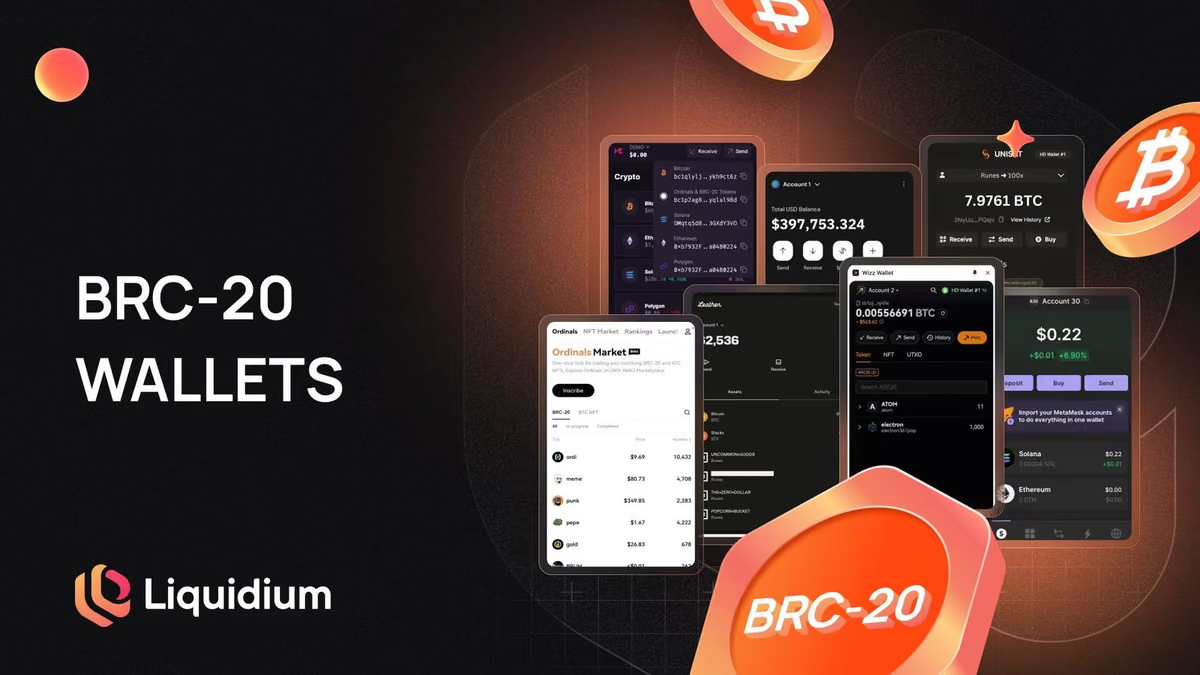
BRC-20 tokens emerged as the first fungible tokens on Bitcoin shortly after the introduction of Ordinals, marking the creation of a meme coin market on the Bitcoin blockchain.
Since then, BRC-20 tokens have established themselves as a niche token market on Bitcoin, kept alive by a small but active community of traders.
To store and manage BRC-20 tokens, choose a Bitcoin wallet that supports the token standard. This guide compares wallet features for holding and transferring those tokens.
Xverse Wallet
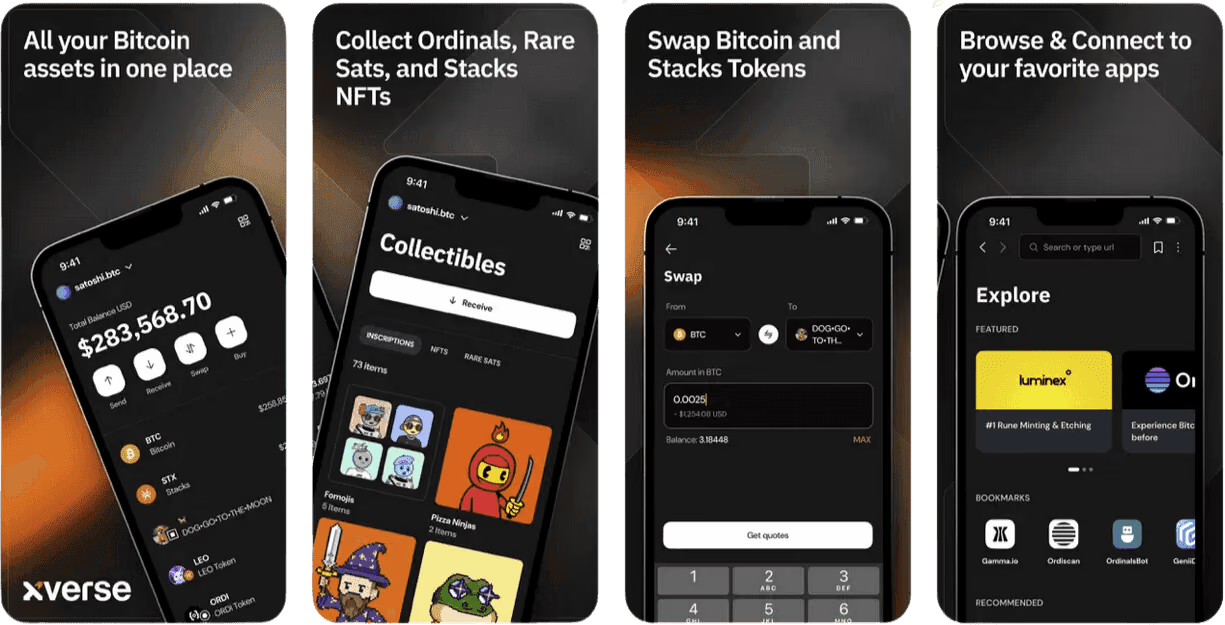
Xverse Wallet is a beginner-friendly wallet that supports both Bitcoin Layer 1 and Layer 2 assets, including BTC, Ordinals, Runes, Rare Sats, and BRC-20 tokens. The Xverse Wallet integrates very well with many dApps in the Bitcoin ecosystem, such as Liquidium.WTF, and acts as a gateway to Bitcoin DeFi.
Features
- Bitcoin only: Xverse supports only Bitcoin-based assets.
- Multiple Bitcoin Layer 2 integrations: Xverse also supports Bitcoin layers, such as Stacks, Mezo, BOB, Starknet, and Bitlayer.
- Stacking and staking ability: You can earn yield through the wallet by stacking STX on the Stacks L2 or staking BTC via BOB using Xverse Earn.
Pros
- Multi-platform: Available for iOS, Android, and as a Chrome extension.
- Fiat on-ramp: The wallet lets you buy crypto directly using different payment methods.
- Ledger and Keystone support: You can also connect your Xverse wallet to Ledger and Keystone to enhance security using a hardware wallet.
Cons
- No advanced market analysis tools: Xverse lacks chart analysis tools that would enable deeper market analysis.
OKX Wallet
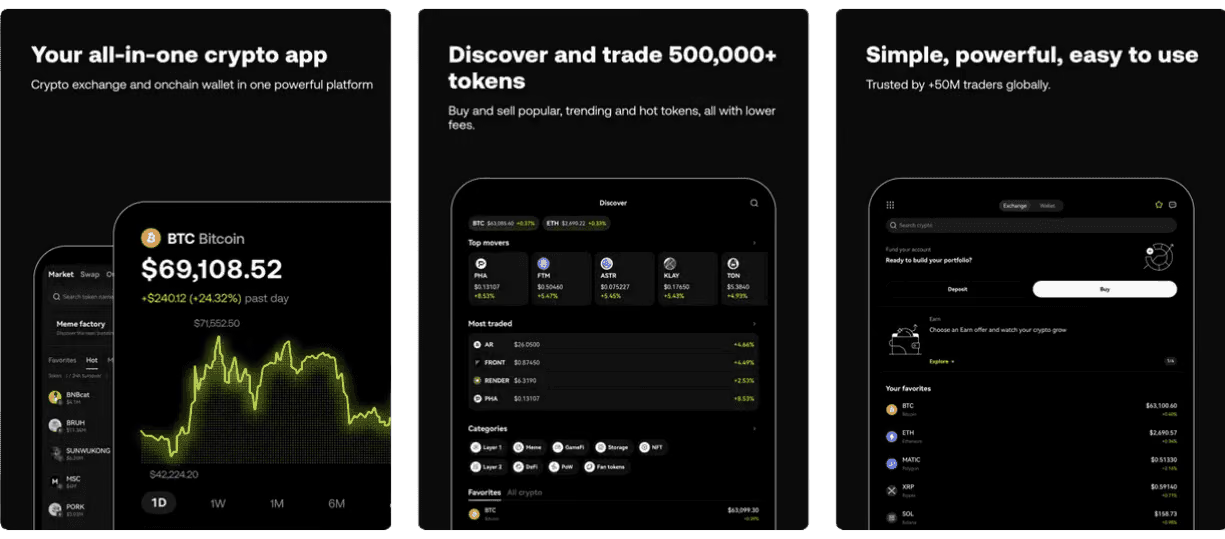
The OKX wallet is part of a larger suite of products offered by the OKX exchange. As a huge exchange with both centralized and decentralized options and hundreds of blockchains integrated, the wallet supports a long list of assets that includes BRC-20 tokens.
Features
- Multi-chain: The OKX wallet supports more than 100 different crypto networks and their assets, including Bitcoin and its native assets.
- Guest mode: If you’re unsure whether the wallet is for you, you can try it out for free using guest mode.
- Cross-chain bridging: the OKX Bridge supports more than 20 networks, letting you bridge your assets from one to another quickly and easily.
- Buy crypto for fiat: The OKX suite integrates third party fiat gateways that you can use to buy crypto.
Pros
- Availability: Available for iOS and Android, as well as a Chrome extension, and a Telegram wallet.
- Both CEX and DEX features: Since OKX has both a CEX and DEX, the wallet also connects easily to both and their features.
Cons
- Part of a larger suite: Those who don’t use the OKX exchange may not benefit so much from this wallet.
UniSat Wallet
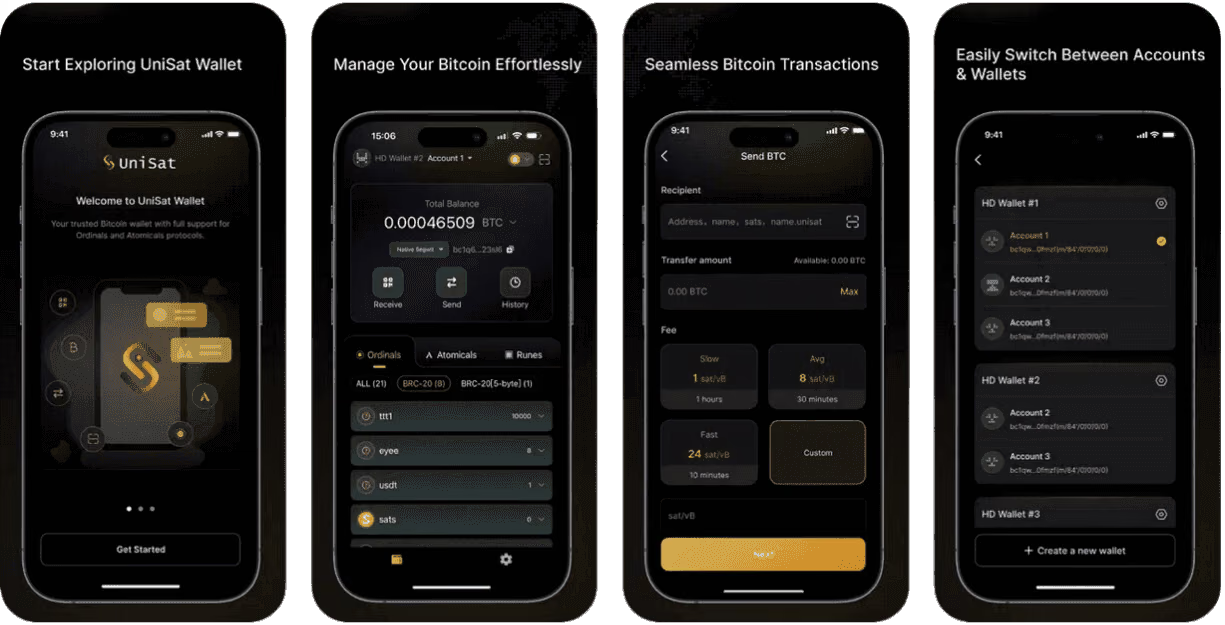
UniSat is a Bitcoin wallet offering a more advanced interface and capabilities than most currently available BRC-20 wallets. It supports the storing, trading, and tracking of Bitcoin-based assets, including Ordinals, BRC-20, and Runes.
Features
- Bitcoin-only: UniSat focuses on Bitcoin and does it well, so you won’t find anything beyond the Bitcoin ecosystem.
- Fiat on-ramp: Buy Bitcoin using fiat with credit/debit cards, PayPal, Google Pay, and Apple Pay (fees may vary).
- Layer 2 support: UniSat currently supports the Bitcoin Layer 2 protocol Fractal Bitcoin.
Pros
- Available platforms: Mobile app for iOS and Android (including an .apk download link from its website if you don’t want to use Google Play Store), and a Chrome extension.
- Open-source code: Developers and users who understand code can peek into the wallet’s code to verify how everything works.
Cons
- Relative complexity: UniSat is aimed towards more experienced users who can take advantage of its advanced features.
Leather Wallet
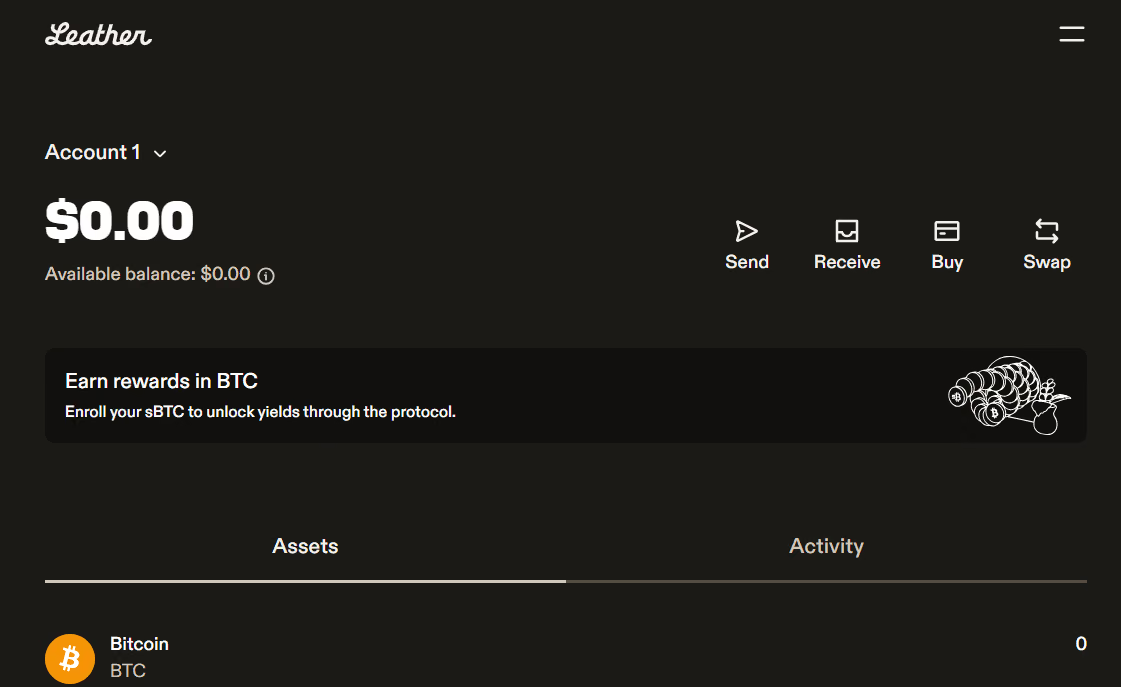
Leather is a Bitcoin wallet formerly known as Hiro before rebranding that supports BTC, STX, Ordinals, Runes, BRC-20, and Stamps.
Features
- Focuses on the Bitcoin ecosystem: The wallet focuses only on Bitcoin and its ecosystem, including the Stacks Layer 2 network.
- Upcoming Lightning Network integration: The team has announced that the wallet will integrate with the Lightning Network soon.
- Supports several browsers: The browser extension can be installed on Firefox, Chrome, Brave, and Edge.
Pros
- Earning yield: You can earn Bitcoin yield by bridging BTC into sBTC and stacking your STX through the wallet.
- Integrates with Ledger: You can connect Leather to Ledger and make your wallet more secure.
Cons
- Only on desktop and web: A mobile app is currently in development but not live yet.
Phantom Wallet
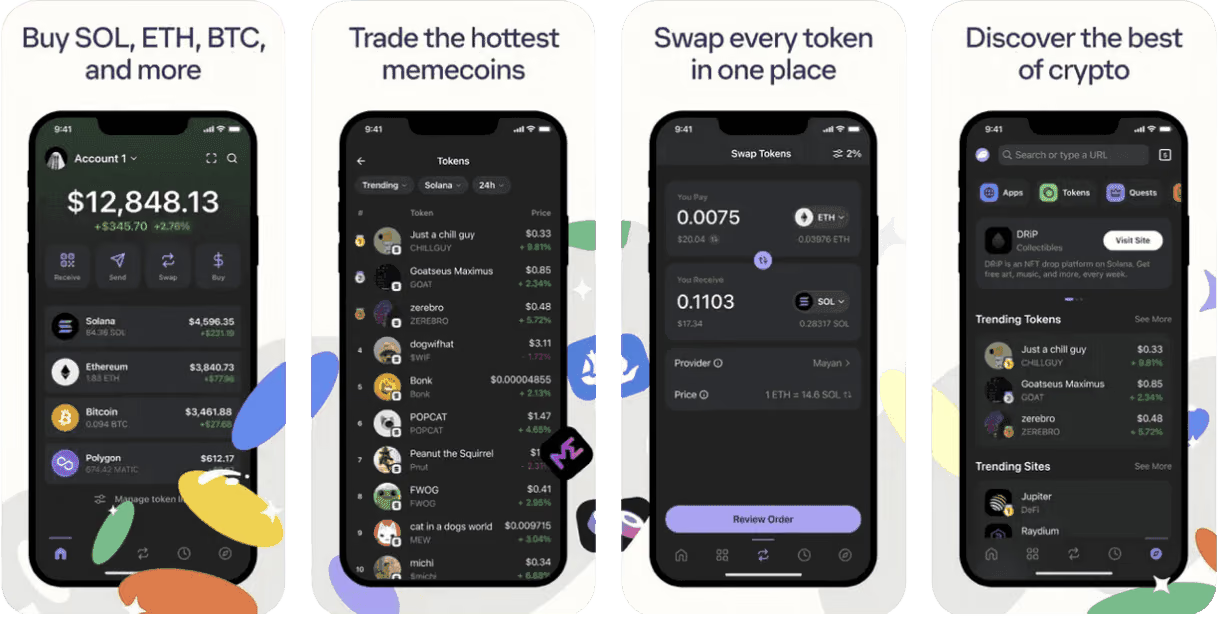
Phantom is a multi-chain crypto wallet that offers support for various assets, including those within the Bitcoin ecosystem, such as BRC-20 tokens. While it started as a Solana wallet, its other integrations have delivered a great user experience.
Features
- Multi-chain wallet: Phantom supports Solana, Ethereum, Bitcoin, Base, and Polygon.
- Set up your wallet with your email: For extra ease of use, Phantom offers the option of setting up a wallet using your email and a four-digit PIN.
- Buy crypto with fiat: Use Apple Pay, Google Pay, debit and credit card, or bank transfer to purchase crypto.
Pros
- Multi-platform: Phantom is available for iOS and Android, plus as a browser extension on Firefox, Chrome, Brave, and Edge.
- Compile your crypto: Import your other wallets into Phantom without moving your funds for an easier overview of your holdings.
- Ledger integration: You can connect Phantom to Ledger hardware wallets.
Cons
- Potentially too complex: Phantom’s vast array of options can confuse users looking for a simple, standard interface.
Using a wallet with Liquidium.WTF
Liquidium.WTF accepts selected Ordinals and Runes as collateral for BTC loans. BRC-20 borrowing and lending are no longer available. A wallet’s ability to hold BRC-20 tokens does not make those tokens eligible collateral.
Connect to Liquidium.WTF with Xverse, UniSat, Leather, or OKX, then select the Bitcoin market.
Explore Bitcoin borrowing markets
FAQs
How to create a BRC20 wallet?
To create a BRC-20 wallet, first choose one that supports the asset, like Xverse, UniSat, OKX, or others. Then, follow the steps each wallet outlines, like installing the required app, creating a seed phrase, and storing it in a safe place, then funding the new wallet with BTC.
How do I get a BRC-20 wallet address?
To get a BRC-20 wallet address, you’ll first need to install a compatible wallet either as a mobile app or browser extension. After following the steps for creating and setting up your wallet, copy the wallet address from the Receive tab within the wallet.
Where can I store BRC-20 tokens?
You can store BRC-20 tokens in any compatible wallet. The list of the top wallets you can use to store BRC-20 tokens includes Xverse, OKX Wallet, Leather, Phantom, and UniSat. Each has its own list of features, pros, and cons to consider when picking one that fits your needs best.
Disclaimer: This article is for informational purposes only and does not constitute financial advice. Always do your own research before making any financial decisions.
 posts